ixBrowser vs. Mbbrowser: A Comprehensive Comparison of Features, Cost, and Ecosystem
If you're running multiple cross-border e-commerce stores or social media accounts, you've probably heard of Mbbrowser. This tool has indeed built a solid reputation in the anti-detection space, with robust fingerprint spoofing that early users rated highly. But as time goes on, many people start doing the math: when accounts grow from three or five to dozens, the monthly subscription fee rises accordingly—¥499 per month for the unlimited personal plan, and starting at ¥699 for the team plan. Over a year, that's thousands of yuan spent on the browser tool alone. Whether that money is worth it has become a question many operators keep mulling over.
What's even more frustrating is Mbbrowser's relatively closed plugin ecosystem. Trying to install a niche automation tool or a Chrome extension often hits a wall. For users accustomed to Chrome's free and open ecosystem, this limitation feels like driving with a permanent speed cap—you can move, but it's never smooth. As a result, more and more people are looking at other options, hoping to find an alternative that strikes a better balance between security and cost without sacrificing functional flexibility. It's against this backdrop of demand that ixBrowser has gradually come into the picture.
Mbbrowser Overview
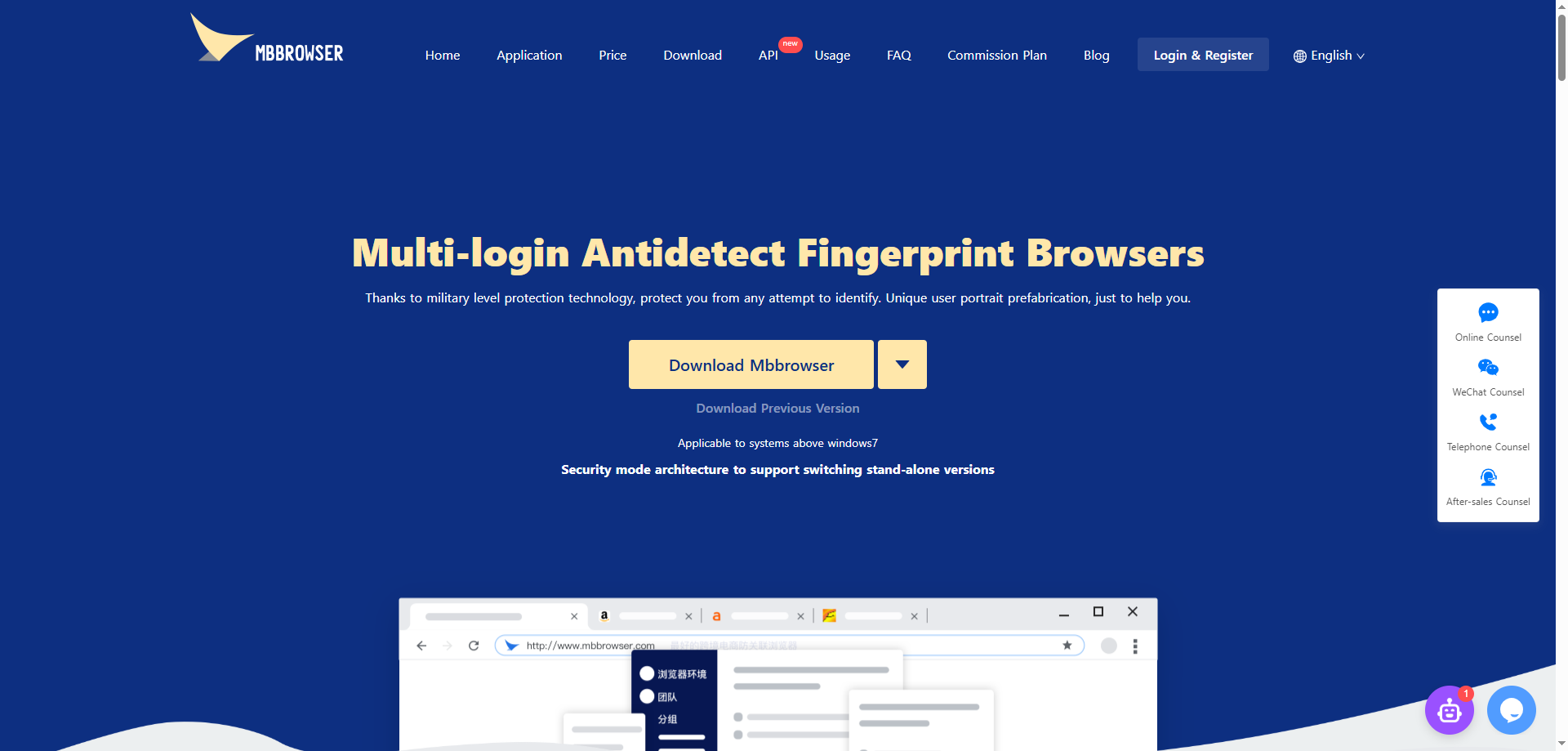
Mbbrowser is an anti-detection fingerprint browser built for cross-border e-commerce scenarios, with a primary focus on secure account operations on Amazon. It creates independent browser environments for each account by modifying browser fingerprint parameters (such as Canvas, WebRTC, AudioContext, etc.), preventing platforms from identifying account associations through device fingerprints. Mbbrowser offers a switch between local mode and network mode, allowing users to store business data on their local devices to enhance data security.
However, Mbbrowser has exposed several notable drawbacks in actual use:
High pricing, with costs skyrocketing at scale. Mbbrowser's free version only provides 2 browser environments, far from enough for users managing multiple stores. The unlimited personal plan is priced at ¥499 per month, and the team collaboration plan starts at ¥699/month (3 users). When the number of accounts reaches dozens, the annual cost of the browser tool alone can exceed ¥6,000, which is a significant burden for small and medium-sized sellers.
Relatively closed ecosystem, limited plugin support. Mbbrowser's plugin marketplace is not rich enough. If users need some niche automation tools or extensions with specific features, they may encounter compatibility issues. This makes deep customization and feature expansion difficult, limiting further improvements in operational efficiency.
Clear platform bias, mediocre experience for non-Amazon scenarios. Mbbrowser was initially developed for Amazon review scenarios, so its support for Amazon is the most comprehensive. However, for other cross-border platforms like Shopee and TikTok Shop, its level of adaptation and optimization is relatively insufficient.
ixBrowser Overview
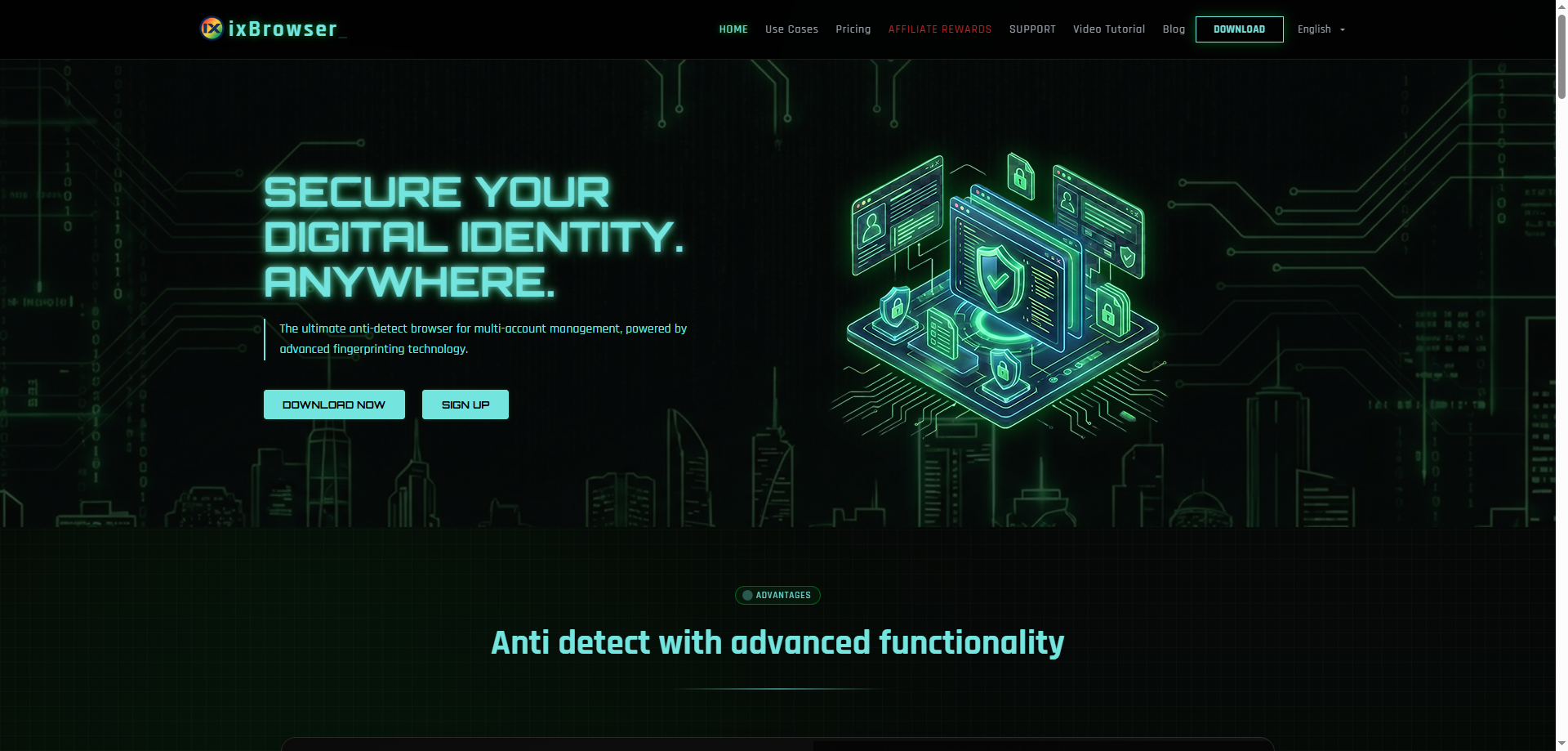
ixBrowser is an anti-detection fingerprint browser positioned as "permanently free," dedicated to providing multi-account operators with a low-cost, high-security solution. Through a dual protection mechanism of fingerprint isolation and IP isolation, it ensures that each account environment is independent and secure, maintaining a high pass rate in third-party fingerprint detection tools such as iphey and pixelscan. ixBrowser offers unlimited browser environment creation, along with practical features including team collaboration, plugin management, and cloud data storage.
Compared to Mbbrowser, ixBrowser has clear advantages in the following areas:
Core features are free, with no limit on environment count. ixBrowser's free version does not limit the number of browser environments users can create, and users do not need to pay extra for each additional account environment. This means that whether managing 10 accounts or 100, the tool's usage cost remains zero (only proxy IP costs apply). For budget-conscious individual sellers or expanding small teams, this strategy significantly lowers the barrier to entry and scaling operations.
Open plugin ecosystem, compatible with Chrome extensions. ixBrowser supports the installation and use of all extensions from the Chrome Web Store. This means users can freely choose various automation tools, data collection plugins, or efficiency-enhancing extensions without being blocked by the browser itself. For users who need deep customization of their operational workflows, this openness is something Mbbrowser cannot match.
Well-developed team collaboration features with flexible permission management. ixBrowser provides a multi-role collaboration system where team managers can freely assign employee grouping windows, customize permissions, and synchronize environment configurations in real time. This design improves collaboration efficiency while maintaining security, reducing the risk of account information leaks.
Conclusion
Overall, Mbbrowser still has its strengths in the maturity of anti-detection technology and the depth of its adaptation to the Amazon platform. It suits users with sufficient budgets, Amazon as their primary battlefield, and low sensitivity to tool costs. However, when operational scale expands, platforms diversify, or cost control becomes a priority, Mbbrowser's pricing pressure and ecosystem limitations become prominent.
With its permanent-free core strategy, ixBrowser provides unlimited environment creation, an open Chrome plugin ecosystem, and flexible team collaboration features—all without sacrificing fingerprint security. For users looking for a Mbbrowser alternative, ixBrowser offers a choice worth serious evaluation—especially for small and medium-sized teams and individual sellers who want to scale their operations without increasing their tool budget.