ixBrowser vs Loginways: A Deep Dive Comparison—How to Choose the Right Multi-Account Management Tool
Choosing a multi-account management tool is rarely a simple question of whether one exists—it is a question of whether it is good enough. As one of the early entrants in the anti-detect browser market, Loginways did help some users meet the basic need of logging into multiple accounts from a single device. But a tool's value is ultimately tested in real-world use. When platform risk-control rules update frequently, when team collaboration becomes the norm, and when mobile traffic becomes the main battlefield, whether a tool can keep up with these changes directly determines whether it still deserves a place in your workflow.
It is at precisely this juncture that many Loginways users begin to re-evaluate their choice. They find that the limitations they must tolerate to keep using it have gradually come to outweigh the cost of switching. Seeking an alternative is less a proactive pursuit of change and more a pragmatic form of damage control. This article will examine Loginways' actual performance, analyze its shortcomings, and explore the advantages and use cases of ixBrowser as an alternative.
Loginways Overview and Shortcomings
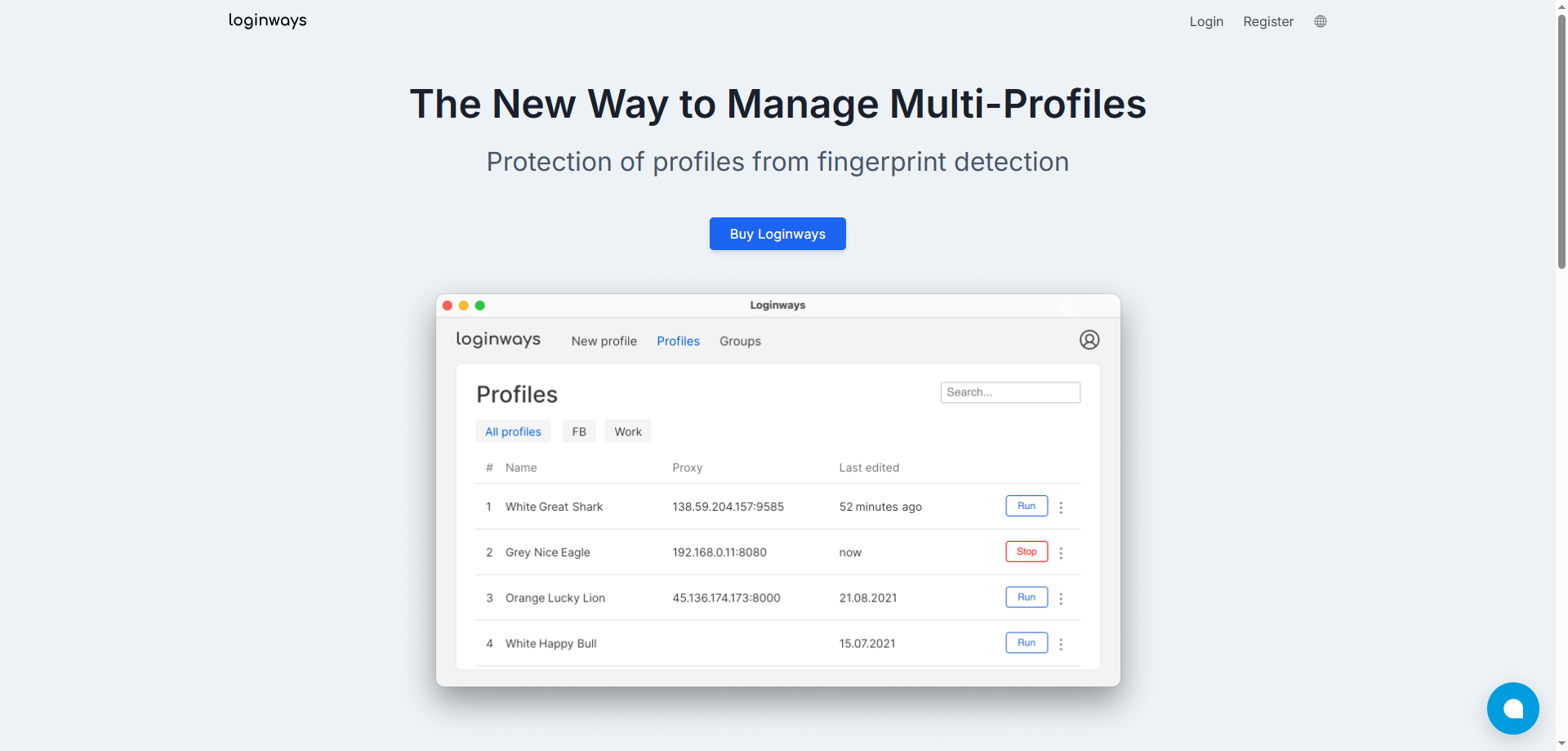
Loginways is a Chromium-based anti-detect browser primarily aimed at users who need to manage multiple accounts, such as affiliate marketers, e-commerce sellers, and advertising professionals. Its core features include generating a unique browser fingerprint for each profile, supporting HTTP/SOCKS5 proxy assignment, and synchronizing profiles across devices. In terms of pricing, Loginways offers three tiers: Standard at $35/month (150 profiles), Professional at $70/month (500 profiles), and Business at $150/month (2,000 profiles).
However, Loginways has several notable deficiencies that make it difficult to meet the demands of modern professional operations:
1.Windows-only support. Loginways currently only supports the Windows operating system, with no compatibility for macOS, Linux, or mobile devices, severely limiting cross-platform workflow flexibility.
2.No cloud sync. Profiles cannot be accessed across devices via the cloud, making team collaboration and remote work highly inconvenient.
3.Outdated fingerprint technology. According to analysis, its User-Agent database appears to be stuck around 2021, capable of spoofing only Chrome versions 90–95, while current browser versions have long surpassed 120. Modern anti-fraud systems can easily detect this discrepancy.
4.No mobile fingerprint support. With mobile traffic accounting for over 65% of the total, Loginways cannot simulate iPhone or Android devices, directly limiting core social media operation scenarios.
5.Questionable security credibility. Some reviews have noted that Loginways "looks like an amateur copy of GoLogin," with the website containing a Russian-language terms of service link and an empty Twitter account, and no visible updates or maintenance since its creation.
6.Weak proxy management. It lacks proxy auto-rotation, availability detection, and bulk import features, requiring users to configure proxies manually one by one.
7.Missing team collaboration features. There is no member permission management or profile sharing mechanism, making it unable to support team-based operations.
ixBrowser Overview and Advantages
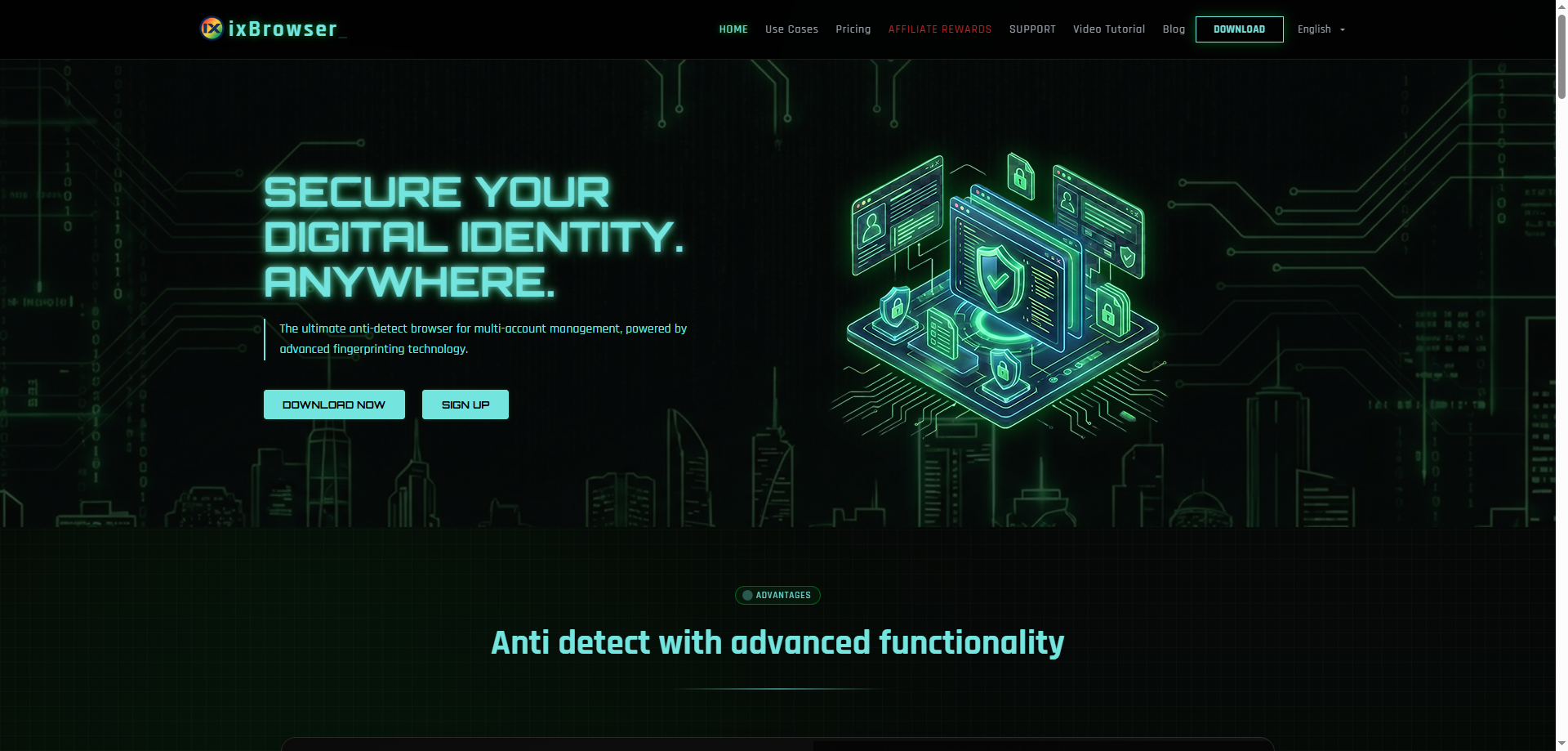
ixBrowser is an anti-detect browser that positions itself as "free forever." Also built on the Chromium engine, it targets scenarios such as cross-border e-commerce, social media marketing, affiliate marketing, and traffic arbitrage. Its product positioning is clear: lower the barrier to entry with a free strategy while covering more demanding professional users through paid plans. ixBrowser's core claim is that "the free version can meet over 95% of users' anti-association needs, with no compromise on fingerprint technology."
Compared to Loginways, ixBrowser demonstrates clear advantages across multiple dimensions:
1.Free forever with no feature crippling. ixBrowser offers unlimited browser profiles, and the free version alone can meet the daily operational needs of most individual users and small teams—unlike Loginways, which imposes a $35/month paywall.
2.Support for both Windows and macOS. Unlike Loginways, which is limited to Windows, ixBrowser supports both major desktop operating systems, covering a broader user base.
3.Cloud data storage and sync. Browser profile data is securely stored on cloud servers, allowing users to seamlessly switch work environments across different devices.
4.High fingerprint detection pass rate. On third-party testing platforms such as PixelScan, IPhey, and BrowserScan, ixBrowser's fingerprint spoofing achieves excellent pass rates, providing each account with a truly independent and secure fingerprint environment.
5.Significant price advantage. Even when choosing paid plans, ixBrowser's pricing is far lower than Loginways': Professional at approximately $3.99/month, Business at approximately $9.99/month, and Enterprise at approximately $19.99/month, while Loginways starts at $35/month.
6.Comprehensive team collaboration features. It supports profile transfer, proxy sharing, bulk operations, and API access, capable of supporting scaled operations.
Conclusion
Loginways once provided a foundational solution for multi-account management, but its technological stagnation, platform limitations, and security concerns make it difficult to adapt to today's increasingly complex risk-control environment. The gap between its $35/month starting price and its actual capabilities further undermines its competitiveness.
ixBrowser represents a different approach: eliminating users' trial-and-error costs through a free strategy, supporting cross-device collaboration through a cloud architecture, and responding to ever-evolving platform detection through continuously optimized fingerprint technology. For users seeking a Loginways alternative, ixBrowser is at least worth including on the priority evaluation list. Of course, the choice of tool ultimately depends on specific use cases, team size, and budget constraints—it is recommended to fully utilize ixBrowser's free version for verification before making any actual investment, to confirm whether it truly matches your operational needs.